Learn 7 proven saas subscription management practices to cut involuntary churn, automate billing, and scale recurring revenue in 2026.
What Is SaaS Subscription Management
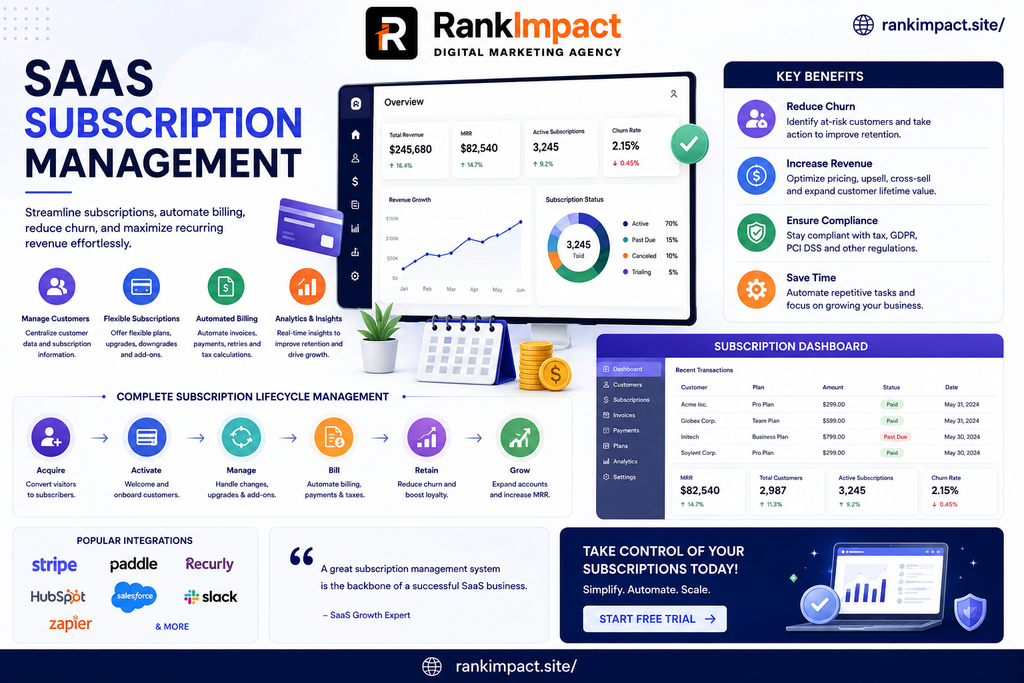
SaaS subscription management refers to the ongoing administration of a customer’s subscription lifecycle, from the first sign up through renewals, upgrades, downgrades, pauses, and eventual cancellation. It sits at the intersection of billing software, the product itself, and customer facing communication.
A subscription management system typically needs to answer a few core questions for every customer at any moment. What plan are they on. Have they paid. When do they renew. What access should the product grant them right now. If any one of those answers is wrong or delayed, the customer experience and the company’s revenue reporting both suffer.
This is different from a one time transaction. A single purchase ends the moment payment clears. A subscription is a continuing relationship, and subscription management is the operational layer that keeps that relationship accurate over months or years, across plan changes, price updates, currency differences, and payment method failures.
Why Subscription Management Matters More as You Scale
At ten customers, a founder can track subscriptions in a spreadsheet without much trouble. At a few hundred customers across multiple plans, currencies, and billing cycles, that same spreadsheet becomes a liability. Manual tracking cannot keep pace with proration, mid cycle upgrades, tax rules that vary by region, or the sheer number of payment retries needed to recover failed charges.
There is also a direct revenue impact. Industry research on failed payments consistently shows that a meaningful share of subscription churn is involuntary, meaning the customer did not choose to leave, their card simply failed and nobody recovered the payment in time. A structured subscription management process directly reduces this category of loss, which is often the easiest churn to fix because the customer never intended to cancel in the first place.
Scaling also introduces reporting requirements that ad hoc processes cannot support. Once a company answers to investors, a board, or auditors, recurring revenue needs to be reported consistently and, in many cases, in line with formal accounting standards such as ASC 606, which governs how and when subscription revenue is recognized rather than simply when cash is collected.
The Core Components of a Subscription Management System
Before getting into best practices, it helps to know what a complete saas subscription management setup actually includes.
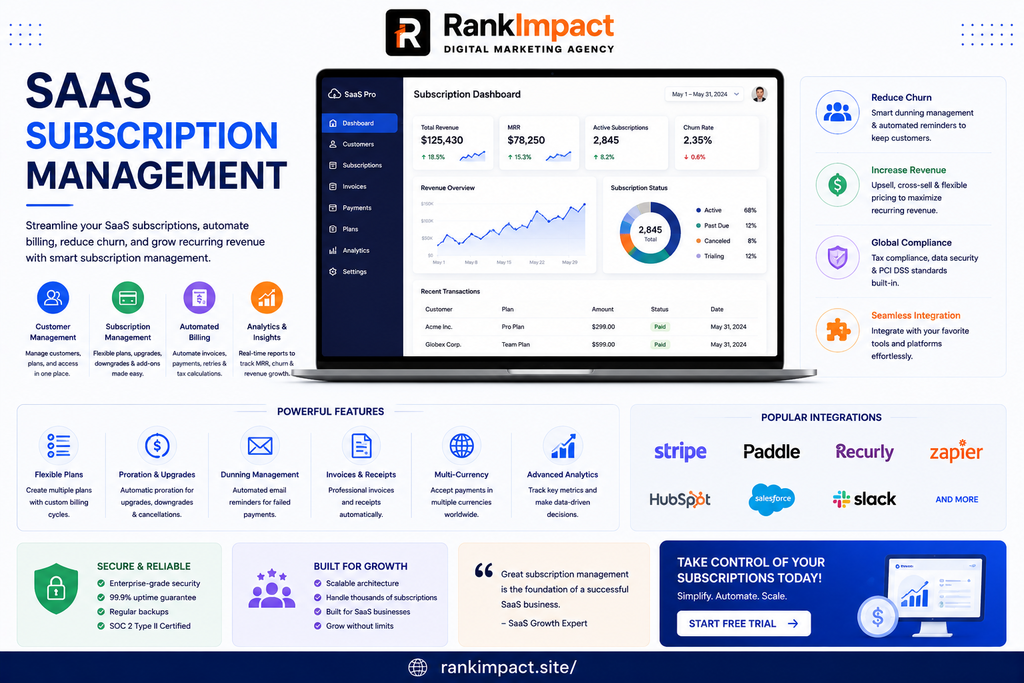
Billing and invoicing handles the recurring charge itself, including proration when a customer changes plans mid cycle.
Payment processing connects to a payment gateway to collect and retry charges, and needs to handle multiple payment methods and currencies for companies selling internationally.
Plan and entitlement management controls what a customer can actually access in the product based on their current subscription tier.
Dunning management is the structured process of retrying failed payments and communicating with the customer before a service is suspended.
Customer communication covers renewal reminders, receipt emails, upgrade confirmations, and cancellation flows.
Reporting and analytics track recurring revenue, churn, expansion revenue, and other metrics leadership uses to run the business.
A gap in any one of these areas creates friction somewhere else in the system, which is why the practices below treat subscription management as one connected workflow rather than a set of disconnected tools.
Centralize Your Subscription and Billing Data
The single most common mistake in saas subscription management is letting subscription data live in more than one place. When billing status lives in a payment processor, plan entitlements live in the product database, and customer notes live in a support tool, nobody has a complete picture of any single account.
Centralizing this data does not necessarily mean building a custom internal tool. Most subscription billing platforms are designed to be the single source of truth for plan, billing status, and payment history, with the product application reading from that system rather than maintaining its own separate record.
As an illustrative example, imagine a support agent needs to confirm whether a customer’s recent downgrade has actually taken effect. If billing status and product entitlements are centralized, the agent sees one accurate record. If they are not, the agent may need to check three different systems and still get a stale answer, which is a common source of customer frustration during plan changes.
Automate Recurring Billing and Invoicing
Manual invoicing does not scale past a small handful of accounts. Automated recurring billing removes the need for anyone to remember to charge a customer, generate an invoice, or apply proration when someone changes plans partway through a billing cycle.
Automation matters most at the edges of normal billing, such as mid cycle upgrades, annual to monthly conversions, and tax calculation for customers in different regions. These edge cases are exactly where manual processes break down and errors creep into financial reporting.
Automated billing also directly supports accurate revenue recognition. Because subscription revenue under standards like ASC 606 is typically recognized ratably over the service period rather than all at once when payment is collected, a billing system that tracks service periods correctly makes it far easier for finance to close the books accurately each month.
Build a Structured Dunning and Failed Payment Recovery Process
Dunning is the process of retrying a failed payment and communicating with the customer until the issue is resolved or the subscription is cancelled. This single practice often has the largest measurable impact on retained revenue of anything on this list, because failed payments are common and largely fixable.
A reasonable dunning sequence typically includes an automatic retry of the failed charge on a schedule, an email notifying the customer that their payment did not go through, a clear and low friction way for the customer to update their payment method, and a final notice before access is suspended or the subscription is cancelled.
The tone of dunning emails matters as much as the technical retry logic. A message that reads as a threat tends to trigger a cancellation. A message that reads as a helpful reminder, with a one click link to update a card, tends to recover the payment without damaging the relationship.
Support Flexible Plan Changes, Upgrades, Downgrades, and Cancellations
Customers expect to move between plans without contacting support. If upgrading requires an email to your sales team, some percentage of customers who would have upgraded simply will not bother, and that is expansion revenue quietly lost.
Downgrades and cancellations deserve just as much attention as upgrades, even though they feel less pleasant to build for. A downgrade flow that clearly explains what the customer will lose, and a cancellation flow that asks a short, genuine reason rather than throwing up obstacles, both produce better long term outcomes than flows designed purely to prevent the action.
Proration deserves specific mention here because it is where a surprising number of subscription management systems get the customer experience wrong. When a customer upgrades mid cycle, they generally expect to be charged only for the remaining time at the new rate, not the full new price on top of what they already paid. Getting this calculation visibly correct at checkout builds trust at exactly the moment a customer is deciding whether to spend more with you.
Track the Metrics That Actually Predict Churn and Growth
Subscription management generates a large amount of data, and the practices above only pay off if that data gets turned into metrics the team actually uses. A handful of numbers matter more than the rest.
Monthly recurring revenue and annual recurring revenue show the current run rate of the business. Customer churn rate and revenue churn rate show how much business is being lost, and these two numbers can tell very different stories if you have a small number of large accounts. Net revenue retention shows whether expansion from existing customers is outpacing churn, which is often the clearest single signal of a healthy subscription business. Failed payment recovery rate shows how well your dunning process is actually working, not just whether one exists.
None of these numbers are meaningful in isolation. A rising churn rate paired with rising net revenue retention can still describe a healthy business if expansion from remaining customers is strong enough, so these metrics need to be read together rather than one at a time.
Keep Payment Data and Compliance Requirements in Check
Subscription businesses handle sensitive payment information continuously, not just at the moment of a single purchase, which raises the stakes on payment security. Most subscription management platforms handle card storage and processing through a payment gateway rather than having the SaaS company store card numbers directly, and that is generally the safer default for a smaller team.
Any business that stores, processes, or transmits payment card data needs to be aware of the Payment Card Industry Data Security Standard, commonly known as PCI DSS, which sets baseline security requirements for handling cardholder data. This is an industry standard rather than a government law, but card networks and payment processors enforce it, and non compliance can carry real financial and operational consequences.
This is marketing and operational guidance, not legal advice, and privacy or payment regulations vary by jurisdiction and change over time. Any business handling recurring payments should verify current compliance requirements with a qualified advisor rather than relying solely on general content like this article.
Choose Subscription Management Software That Fits Your Stage
There is no single best subscription management platform, only a best fit for a company’s current stage, billing complexity, and technical resources. A ten person startup with simple monthly and annual plans has very different needs than a company selling usage based pricing across multiple currencies and sales channels.
When evaluating options, weigh a few practical factors honestly. How much engineering time will integration and ongoing maintenance actually require. Does the platform support your current pricing model, including any usage based or seat based components, without heavy custom development. How strong is the built in dunning and failed payment recovery functionality, since this directly affects retained revenue. Can the platform grow with you, or will you need to migrate again in two years.
It is worth being honest about trade offs here. Simpler tools are easier to set up but can become limiting as pricing models get more complex. More powerful platforms handle complexity well but often come with a steeper learning curve and higher cost, so the right choice depends on being realistic about where the business actually is today, not where it hopes to be in three years.
Common Mistakes to Avoid in SaaS Subscription Management
A few mistakes show up repeatedly across growing subscription businesses. Treating billing as a one time setup task rather than an ongoing process is one of the most common, since pricing models, tax rules, and payment methods all change over time. Ignoring failed payments until churn numbers look bad is another, when a proactive dunning process would have caught much of that loss earlier. Building custom billing logic in house without a clear reason is a third, since this work is rarely a company’s actual competitive advantage and tends to accumulate maintenance debt. Finally, treating subscription metrics as a monthly reporting exercise rather than an operating tool means real problems get noticed weeks after they start rather than days.
How to Measure Success After Implementing Subscription Management
Once these practices are in place, a few signals indicate they are actually working. Involuntary churn from failed payments should trend down measurably within one or two billing cycles after a proper dunning process goes live. Time spent on manual billing tasks by finance or operations staff should drop noticeably. Customer support tickets related to billing confusion, incorrect charges, or plan change problems should decrease. Recurring revenue reporting should become fast enough to check weekly rather than something that only gets assembled once a month under time pressure.
If none of these improve within a reasonable window after implementing changes, it is worth revisiting whether the underlying data is actually centralized, since most subscription management problems trace back to fragmented or inconsistent data rather than the specific tool in use.
Frequently Asked Questions
What is saas subscription management in simple terms?
Saas subscription management is the ongoing process of handling a customer’s billing, plan access, and payment status for a software product sold on a recurring basis, covering everything from the first charge through renewals and eventual cancellation.
Is subscription management the same as billing software?
Billing is one part of subscription management. Full subscription management also includes plan entitlements, dunning, customer communication, and revenue reporting, not just the act of charging a card.
What causes most subscription churn?
Churn typically splits into voluntary churn, where a customer actively decides to cancel, and involuntary churn, where a payment fails and the subscription lapses without the customer intending to leave. Involuntary churn is often the easier of the two to reduce through better dunning.
How often should a saas company review its subscription metrics?
Core metrics like monthly recurring revenue, churn rate, and failed payment recovery rate are worth reviewing weekly once a company has meaningful subscriber volume, with a deeper monthly review for trends and board reporting.
Do small SaaS companies need dedicated subscription management software?
Not always at the very earliest stage, but most companies outgrow spreadsheet based billing well before they expect to, usually once plan variety, proration, or international payments enter the picture.
What is dunning in subscription management?
Dunning is the structured process of retrying a failed payment and notifying the customer, typically through a scheduled sequence of retries and emails, before access is suspended or the subscription is cancelled.
How does proration work when a customer upgrades mid cycle?
Proration calculates a partial charge or credit based on the time remaining in the current billing cycle, so a customer upgrading partway through a month is generally charged only for the remaining days at the new plan rate rather than the full new price.
What is the difference between customer churn and revenue churn?
Customer churn counts the number of customers who cancel. Revenue churn measures the dollar value lost, which can tell a very different story if the customers who leave are mostly on lower priced plans.
Does subscription management affect how revenue is reported financially?
Yes. Under accounting standards such as ASC 606, subscription revenue is generally recognized over the service period rather than all at once when cash is collected, and accurate subscription management data makes this reporting far more reliable.
What is net revenue retention and why does it matter?
Net revenue retention measures how much recurring revenue a company keeps and grows from its existing customer base over a period, accounting for upgrades, downgrades, and cancellations. A rate above 100 percent means expansion revenue is outpacing losses from downgrades and churn.
Key Takeaways
- Saas subscription management covers the full customer billing lifecycle, not just the act of charging a card, and gaps in any one part of the system tend to create problems elsewhere.
- Centralizing subscription and billing data in one source of truth is the single change that makes the rest of these practices easier to implement.
- A structured dunning process is usually the highest leverage improvement available, since involuntary churn from failed payments is common and largely recoverable.
- Flexible, low friction plan changes protect both expansion revenue and customer trust, while poorly handled downgrades and cancellations quietly damage both.
- The right subscription management software depends on a company’s current billing complexity and stage, not on which platform has the longest feature list.
- Payment security and revenue recognition are not optional extras. They are core requirements once a subscription business handles real customer payments at any meaningful volume.
Conclusion
Saas subscription management is easy to overlook while a company is small and painfully obvious the moment it is not built to scale. The good news is that the fixes are well understood. Centralize billing data, automate the recurring charge itself, take dunning seriously, make plan changes genuinely easy, and choose tools that match your actual stage rather than an aspirational one.
None of this guarantees a specific growth rate or outcome, and nothing in this article should be read as a promise about search rankings, revenue targets, or how quickly results appear. What a solid subscription management foundation does provide is fewer silent losses, cleaner financial reporting, and a lot less manual work for the team running the business day to day.