What a SaaS data security platform actually does, how it works, and what to check before buying one. A practical, no hype guide.
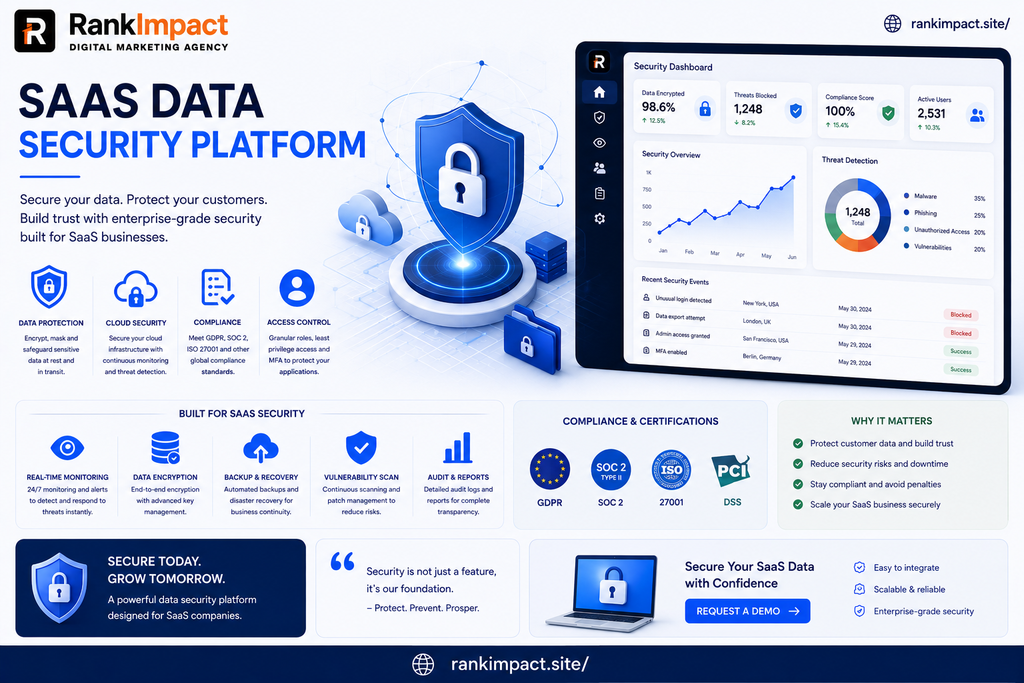
Table of Contents
SaaS data security platform
Most companies did not choose to scatter their sensitive data across forty different apps. It happened gradually, one signed-up tool at a time, until nobody in the security team could say with confidence where customer records, financial data, or internal documents actually lived. A SaaS data security platform exists to answer that exact question and act on it. This article explains what these platforms actually do, how they work under the hood, where they genuinely help, where they fall short, and what to check before you commit budget to one.
What a SaaS Data Security Platform Actually Is
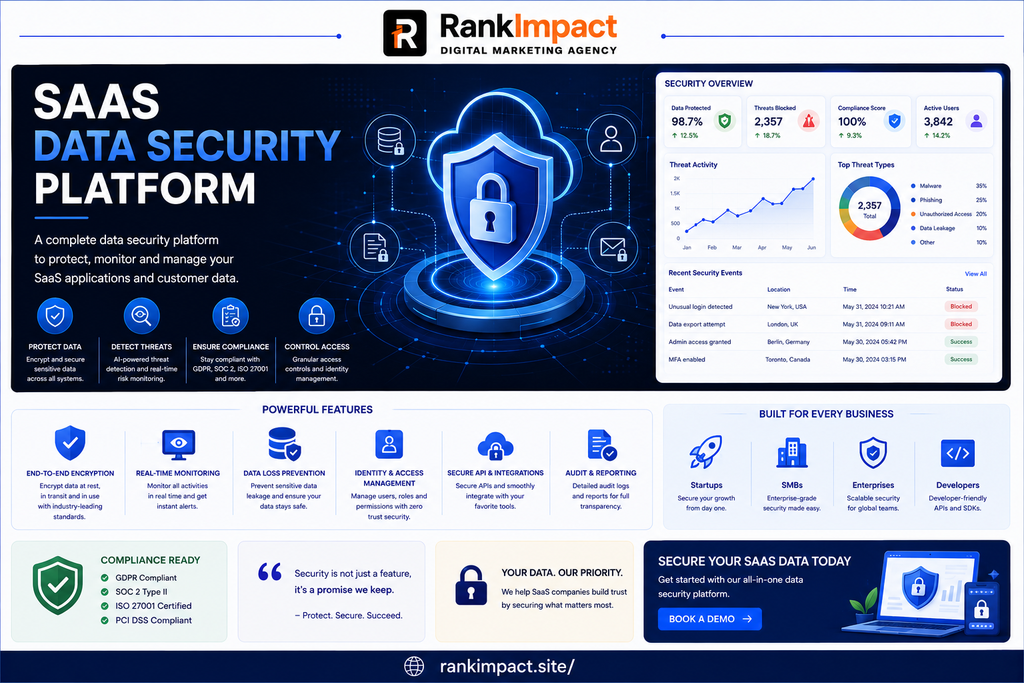
A SaaS data security platform is a tool that discovers, classifies, and protects sensitive data across the SaaS applications a company uses, then monitors who can access that data and flags risky configurations or behavior. Instead of securing one application at a time, it connects to many SaaS tools through their APIs and gives a security team a shared view across all of them.
This is different from securing the SaaS application itself. A SaaS data security platform is not trying to patch a vendor’s software or run their infrastructure; it is watching the data that flows through the apps a company already trusts, and the permissions attached to that data.
It also sits next to, not instead of, more familiar categories:
- CASB (Cloud Access Security Broker): focuses more on controlling access and traffic to cloud apps, often at the network layer.
- SSPM (SaaS Security Posture Management): focuses on misconfigurations and settings inside SaaS apps themselves.
- DLP (Data Loss Prevention): focuses on stopping sensitive data from leaving in the first place, often at the endpoint or network level.
Many current platforms blend elements of all three, which is part of why the category can be confusing to shop for.
Why This Matters More Than It Used To
A decade ago, most business data lived behind a company firewall, on servers IT controlled directly. Today, a mid sized company might run its CRM, payroll, support desk, file storage, and internal wiki on five separate SaaS vendors, each with its own admin panel, its own sharing settings, and its own third-party integrations connected through OAuth.
Every one of those connections is a door. An employee can misconfigure a shared folder without realizing it is publicly link-accessible. A former employee’s account can retain access after offboarding if it was not removed everywhere. A third-party integration approved two years ago can quietly retain broad read access to a company’s entire customer database.
None of this requires a sophisticated attacker. Misconfiguration and overly broad permissions are consistently among the most common causes of SaaS related data exposure, which is why visibility, not just prevention, is the starting point for most of these platforms.
The scale of the problem compounds quietly. Each new SaaS subscription adds its own login, its own admin console, and often its own set of default sharing settings that lean toward convenience rather than caution. Multiply that across dozens of tools and several years of gradual adoption, and even a security conscious company can end up with a sprawling, undocumented web of access it never deliberately chose to create. This is less about any single mistake and more about the natural drift that happens when nobody is assigned to watch the whole picture.
Core Components of a SaaS Data Security Platform
A working platform in this category is usually built around four connected functions rather than one single feature.
1. Discovery
The platform connects to sanctioned SaaS applications through APIs and, in more mature tools, also detects shadow SaaS, meaning apps employees signed up for on their own that IT never approved. Without discovery, everything else in the platform is working on an incomplete map.
2. Data classification
Once connected, the platform scans for sensitive data: customer PII, payment details, health information, credentials, source code, or internal financial data, depending on what the business defines as sensitive. Classification quality varies significantly between vendors, and this is one of the areas most worth testing with real data before buying.
3. Access and permission mapping
The platform maps who, and what, can reach classified data: employees, external collaborators, and connected third-party apps. This is where over-permissioned accounts, stale shares, and risky OAuth integrations usually surface.
4. Monitoring and response
The platform watches for risky changes over time, such as a sensitive file suddenly becoming externally shared, a dormant account being reactivated, or an integration requesting broader scopes than before, and either alerts a security team or, in some tools, automatically remediates the issue.
How Implementation Actually Works
Rolling one of these platforms out is rarely a single afternoon of setup, even though vendors often present it that way.
- Connect priority applications first. Start with the apps holding the most sensitive data, not every app the company uses. Trying to onboard everything at once usually produces alert fatigue before the team has trusted the tool.
- Let discovery and classification run before acting. Early results are often noisy. A first scan commonly surfaces old, forgotten shares and unused integrations that are not urgent, alongside genuinely risky ones. Sorting the two takes a review pass, not automation alone.
- Set alert thresholds deliberately. A tool that alerts on everything trains the team to ignore it. Start narrower, focusing on externally shared sensitive data and admin-level access changes, and widen scope once the signal-to-noise ratio is trusted.
- Assign clear ownership. Someone specific needs to own triage of what the platform surfaces, or findings pile up unreviewed, which defeats the purpose of buying the tool.
- Review integrations quarterly, not once. New OAuth connections get approved constantly as teams adopt new tools; a one-time cleanup does not stay accurate.
Example: What This Looks Like in Practice
The following is an illustrative example, not a real case study.
Imagine a 60 person company using a CRM, an HR platform, and a cloud storage tool. After connecting a SaaS data security platform, the first scan might reveal a shared folder in the storage tool that contains customer contracts and has been set to anyone with the link for over a year, plus a marketing automation integration that was granted read access to the full CRM contact list but has not been used in eight months. Neither issue involves an attacker. Both are the kind of quiet, accumulated risk this category of tool is built to surface, and both are fixable in minutes once someone actually sees them.
Best Practices When Using One of These Platforms
- Treat the platform’s findings as a starting point for a process, not a one-time cleanup project.
- Combine it with basic access hygiene: least-privilege permissions, regular offboarding audits, and periodic reviews of third-party app access.
- Prioritize fixes by the sensitivity of the exposed data first, not by alert volume.
- Involve the teams who actually use each SaaS app in remediation decisions; security teams often lack context on why a share exists.
- Revisit classification rules periodically as the business starts using new categories of sensitive data.
Common Mistakes to Avoid
- Buying based on the connector list alone. A platform that “supports” hundreds of apps but classifies data poorly in the ones you actually use will not help much.
- Skipping a real-data pilot. Classification accuracy is hard to judge from a demo with sample data; test it against your own environment before committing.
- Treating the tool as a replacement for access policy. A platform can show you that ten people have unnecessary admin rights; it cannot decide your access policy for you.
- Ignoring shadow SaaS. A platform that only monitors already-approved apps misses a large share of real-world exposure.
- Under-resourcing the review process. Discovery without a person acting on the findings produces a dashboard nobody looks at.
Measuring Whether It’s Working
There is no single universal metric here, but a few practical indicators are worth tracking over time: the number of sensitive files with unnecessary external sharing, the number of dormant accounts still holding active access, the average time between a risky finding and its remediation, and the number of third-party integrations with access broader than they need. A platform is earning its cost when these numbers trend down consistently, not just at initial rollout.
Limitations Worth Knowing Before You Buy
No SaaS data security platform prevents a breach on its own. It reduces the odds and shortens the time to notice a problem, but it depends entirely on someone acting on what it finds. Classification is also not perfect; even strong tools produce some false positives and miss some genuinely sensitive data, especially in unstructured formats like chat threads or free-text fields. And coverage is limited to the apps you connect; an unconnected or unapproved app remains a blind spot regardless of how good the platform is elsewhere. None of this makes the category unhelpful; it means it works best as one layer in a broader security approach, not a replacement for one.
Advanced Considerations for Larger or Regulated Companies
Companies in regulated industries such as healthcare, finance, or anywhere handling government contracts usually need a platform that supports the specific classification categories their regulations require (such as PHI or cardholder data) and produces audit-ready reporting, not just internal dashboards. Larger organizations with hundreds of SaaS apps should also weigh how well a platform handles automated remediation versus alert-only workflows, since manual triage does not scale past a certain volume of connected apps. Privacy and data residency requirements vary by jurisdiction and by industry, so any compliance claim a vendor makes should be verified directly against your specific regulatory obligations rather than taken at face value.
It is also worth considering how a platform handles multi-entity or multi-region setups, since a company operating across several countries may need data classified and reported differently depending on where it physically resides or which customers it belongs to. Vendors targeting enterprise buyers usually address this directly in their documentation; if a vendor cannot clearly explain how their tool handles this, that is a reasonable reason for caution rather than an oversight to work around later.
FAQ
1. What is a SaaS data security platform in simple terms?
It is a tool that connects to the SaaS applications a company uses, finds sensitive data inside them, and monitors who can access that data so risky exposure gets caught and fixed.
2. Is a SaaS data security platform the same as a CASB?
Not exactly. A CASB traditionally focuses on controlling access and traffic to cloud apps, while a SaaS data security platform focuses more on the data inside those apps and how it is exposed. Many current products combine both approaches.
3. Do small businesses actually need one?
It depends on how much sensitive data sits in SaaS apps and how many of them are in use. A five-person company using two apps has a very different risk profile than a fifty-person company using twenty.
4. Can this replace a firewall or antivirus software?
No. It addresses a different layer of risk, data exposure inside SaaS apps, and is meant to work alongside, not instead of, other security tools.
5. How long does implementation usually take?
Initial connection to priority apps can happen quickly, but getting classification tuned and alert thresholds set to a trustworthy level usually takes several weeks of active review.
6. What is “shadow SaaS” and why does it matter here?
Shadow SaaS refers to applications employees sign up for without IT approval. It matters because a platform that only watches sanctioned apps misses a meaningful share of where company data actually ends up.
7. Does this stop a data breach automatically?
Not on its own. It surfaces risky exposure and, in some tools, automates certain fixes, but it depends on a team acting on what it finds.
8. How is pricing usually structured?
Pricing commonly scales with the number of connected applications, users, or amount of data scanned, though exact models vary by vendor and should be confirmed directly, since pricing changes over time.
9. What should be tested before buying?
Classification accuracy against your own real data, the quality of alerting versus alert fatigue, and how well it detects apps you have not manually listed.
10. Does using one make a company automatically compliant with data protection regulations?
No. It can support compliance efforts by improving visibility and control, but compliance depends on your specific regulatory obligations, which vary by jurisdiction and should be confirmed with a qualified professional.
Key Takeaways
- A SaaS data security platform discovers, classifies, and monitors sensitive data across the SaaS apps a company uses, rather than securing one app at a time.
- Its four core functions are discovery, classification, access mapping, and ongoing monitoring.
- Misconfiguration and over-permissioned access, not sophisticated attacks, are the most common source of the exposure these platforms catch.
- It works best alongside good access hygiene and a clear owner for triage, not as a standalone fix.
- Classification accuracy and shadow SaaS detection are worth testing with real data before buying.
- No platform in this category prevents a breach on its own or guarantees regulatory compliance.
Conclusion
A SaaS data security platform will not make every security decision for a company, and no honest vendor should claim otherwise. What it does well is give a security team something they usually do not have without one: a real, current view of where sensitive data sits across a sprawling set of SaaS apps, and who can actually reach it. That visibility, paired with a team that acts on it consistently, is what turns the tool from a dashboard into an actual reduction in risk.