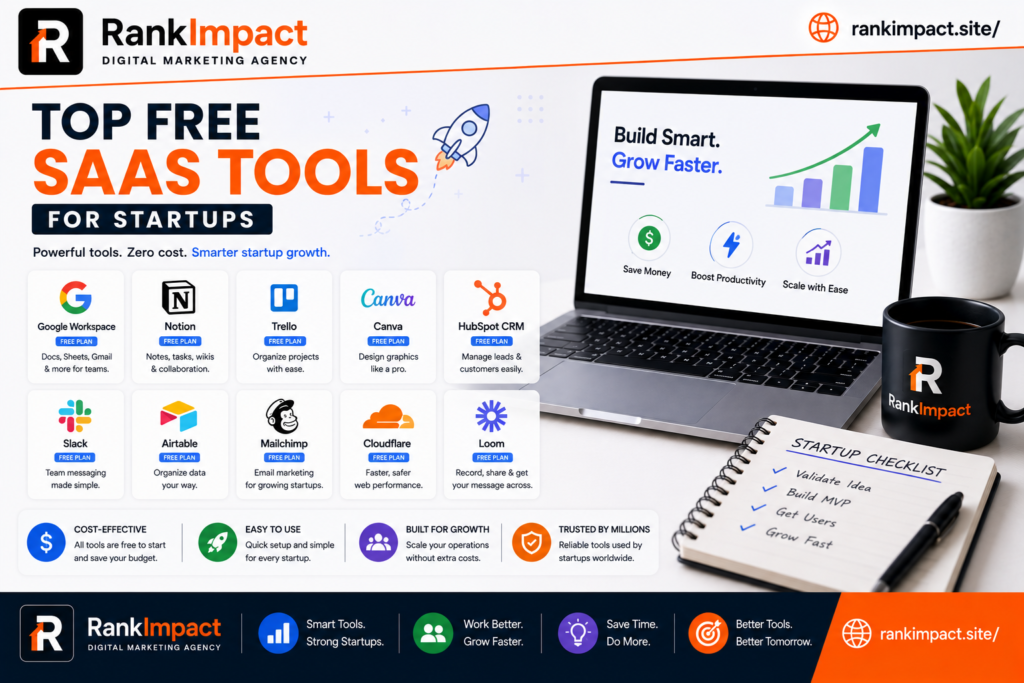
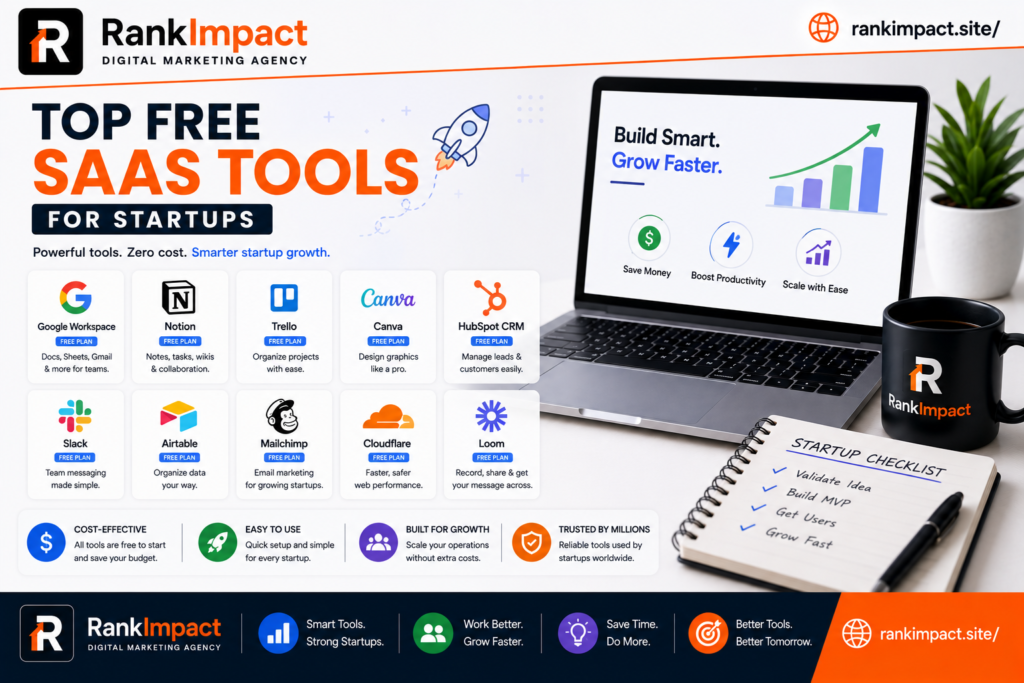
Discover the top SaaS tools for startups in 2026, covering CRM, finance, marketing, support, and hosting, with real free tier options for every growth stage.
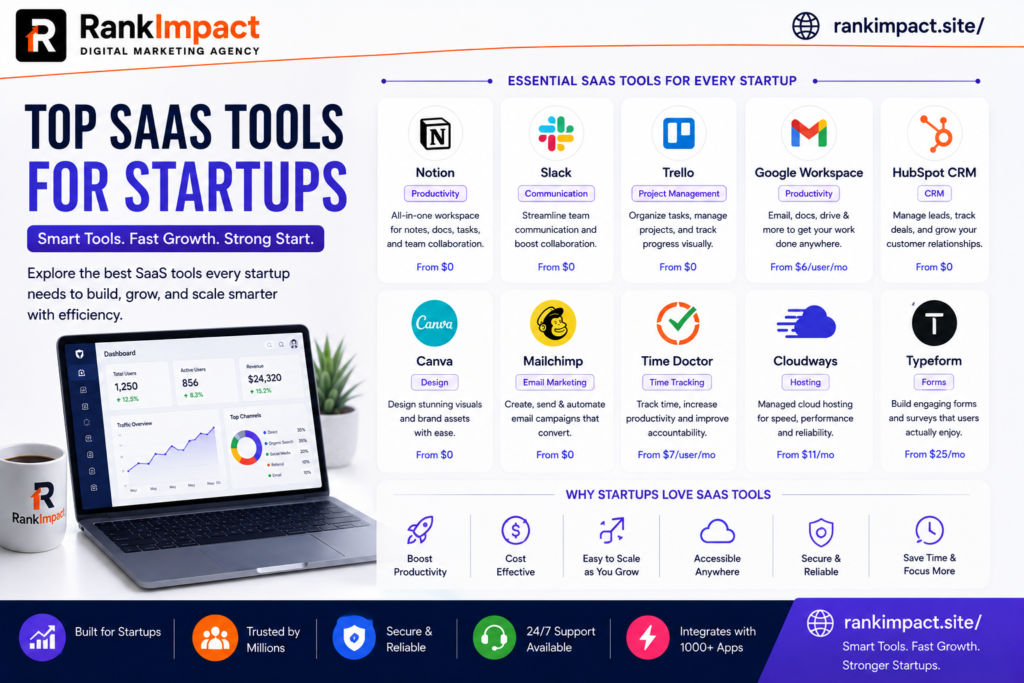
15 Top SaaS Tools for Startups to Scale Faster in 2026
Every early stage founder eventually hits the same wall. The product is live, the first customers are signing up, and suddenly there is no time left to run finance, support, marketing, and operations by hand. This is exactly where the right software stack starts to matter. Choosing the top SaaS tools for startups is not about collecting as many apps as possible. It is about picking a lean set of platforms that remove friction, save hours every week, and grow with the business instead of holding it back.
This guide walks through the categories every startup needs to cover, names specific platforms worth testing in each one, and explains how to evaluate a tool before you commit your card details to another monthly subscription. The goal is not a random directory of software. It is a practical shortlist of the top SaaS tools for startups, built around what actually moves the needle for a small team trying to reach product market fit without burning through runway on tools nobody uses after month two.
Whether you are a solo founder validating an idea or a five person team preparing for your first funding round, the categories below cover the operational backbone almost every SaaS or product led startup eventually needs. Rather than listing every possible option, this article focuses on tools with a track record of actually being adopted by small teams, not just tools that look impressive in a sales demo.
Why the Right SaaS Stack Matters More Than People Think
Founders often underestimate how much a messy tool stack costs them. Spreadsheets scattered across Google Drive, five different chat apps because nobody agreed on one, and a CRM that only half the sales team updates are not just annoying. They slow down decisions, create blind spots around cash flow, and make onboarding a new hire painful because nothing lives in one place.
A well chosen set of SaaS tools for startups solves three problems at once. First, it centralizes information so founders and managers can see what is actually happening in the business without chasing five people for updates. Second, it automates repetitive work like invoicing, lead follow up, and reporting, which frees up hours that a small team simply does not have to spare. Third, it creates a foundation that can scale. A tool that works for three people and breaks at twenty is a tool you will have to migrate away from later, and migrations are expensive in both time and morale.
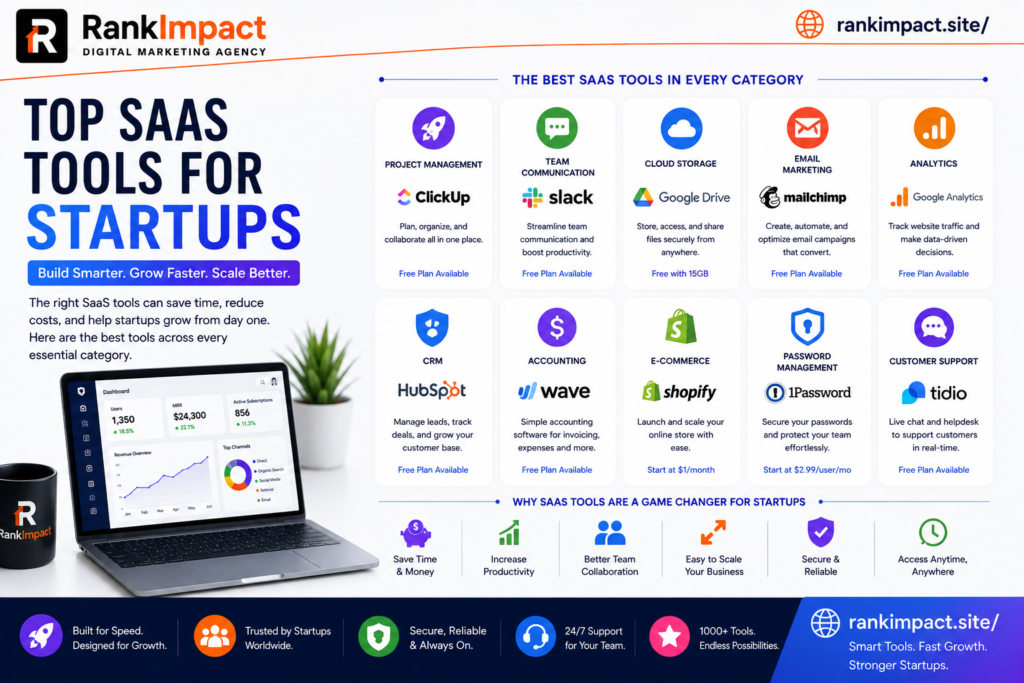
The best approach is to think in categories rather than individual products. Every startup, regardless of industry, needs to cover communication, customer relationships, finance, marketing, project management, support, analytics, and hosting. Below is a breakdown of proven options in each category, along with what makes them a strong fit for early stage teams specifically, and why they consistently appear on lists of the top SaaS tools for startups across different industries.
Communication and Team Collaboration Tools
Remote and hybrid teams live or die by how well they communicate asynchronously. The right messaging and video tools keep everyone aligned without turning every question into a 30 minute meeting.
Slack remains one of the most widely adopted options for team messaging because it integrates with almost every other tool a startup already uses, from project trackers to customer support software. Its free tier is generous enough for a small team to run entirely on it before upgrading. You can review current plans directly on the Slack pricing page.
Notion has become a favorite for startups that want a single workspace for documentation, wikis, meeting notes, and lightweight project tracking. Because it replaces several standalone tools, it often ends up saving money rather than adding another line item. Details on its startup friendly pricing are available on the Notion for startups page.
Google Workspace is still the default choice for email, shared calendars, and document collaboration for a reason. It is reliable, familiar to almost every new hire, and scales cleanly from a two person team to a two hundred person company without a painful migration.
Customer Relationship Management Platforms
A CRM is often the first serious software purchase a startup makes once sales conversations move past a handful of manual emails. The mistake many founders make is jumping straight to an enterprise grade CRM before they need one.
HubSpot’s free CRM tier is a strong starting point because it covers contact management, deal tracking, and basic email tools without requiring a credit card. As the sales process matures, teams can move into paid tiers without switching platforms. You can explore what is included on the HubSpot CRM overview.
Zoho CRM is another practical option for budget conscious startups, particularly those already using other Zoho products for finance or support. Its lower entry pricing compared to some competitors makes it appealing for teams that need CRM functionality without a large monthly commitment.
Pipedrive is worth considering for startups with a sales led motion, since its pipeline visualization is built specifically around helping small sales teams move deals forward rather than managing large enterprise account hierarchies.
SaaS Content Marketing and Growth Tools
Marketing software is where many startups either overspend on tools they barely touch or underinvest and fall behind competitors who are consistently visible in search and social. A lean content marketing stack should cover email, SEO research, and social scheduling at minimum.
Mailchimp continues to be a dependable entry point for email marketing, offering automation, audience segmentation, and a free plan suitable for early stage lists. Current plan details are on the Mailchimp pricing page.
Semrush and Ahrefs are the two most established platforms for keyword research, competitor analysis, and technical SEO audits. Startups building an organic acquisition channel through blog content, much like a SaaS content marketing strategy built around search intent, typically rely on one of these two tools to identify keyword opportunities and track ranking progress over time.
Buffer offers a straightforward way to schedule and manage social posts across multiple platforms from a single dashboard, which matters when the same one or two people are handling marketing, support, and half of sales.
Finance, Accounting and Budget Control Tools
Financial visibility is non negotiable, even for a two person startup. Founders who put off proper accounting until year two often discover expensive surprises when it comes time to raise funding or file taxes.
QuickBooks Online remains the most widely used accounting platform for small businesses and startups, offering invoicing, expense tracking, and integrations with most banks and payment processors. Its scalability makes it a safe long term choice rather than something you will outgrow quickly.
Wave is a genuinely free alternative for very early stage startups that need basic invoicing and accounting without a monthly fee, making it a sensible starting point before revenue justifies a paid platform.
Stripe handles payment processing for a large share of SaaS and ecommerce startups worldwide, and its documentation and developer tools make it a practical choice even for non technical founders working with a small engineering team. Pricing and product details are available on the Stripe pricing page.
As spending on software grows, startups should also build a habit of auditing which subscriptions are actually being used each quarter, since unused licenses are one of the most common silent budget leaks in a growing SaaS stack.
Project Management and Productivity Tools
Without a shared system for tracking work, tasks live in someone’s head, in Slack threads, or in a notebook that gets lost. A lightweight project management tool prevents dropped balls as the team grows past a handful of people.
Trello’s board based interface is simple enough for non technical teams to adopt in a single afternoon, which makes it a common first project management tool for startups that are not ready for something more complex.
Asana works well for startups managing multiple projects across departments, offering timelines, dependencies, and reporting that Trello does not provide out of the box, while still remaining approachable for smaller teams.
ClickUp positions itself as an all in one workspace covering tasks, docs, and goals, and its generous free tier makes it attractive for cash conscious founders who want more functionality without an immediate spend commitment.
Customer Support and Success Platforms
How a startup handles its first hundred support tickets often determines whether early customers become advocates or churn quietly. Support tooling does not need to be complex, but it does need to be consistent.
Zendesk is a long established option for structured ticketing, live chat, and a searchable help center, making it a solid choice once support volume grows beyond what a shared inbox can handle. You can review its plans on the Zendesk pricing page.
Intercom combines live chat, help center articles, and product tours in one platform, which appeals to SaaS startups that want support and onboarding to feel connected rather than separate systems.
Help Scout is worth considering for startups that want a shared inbox style experience that still feels personal, rather than a ticket number driven workflow that can feel impersonal to early customers.
Analytics and Product Data Tools
Startups that do not measure usage tend to guess at what to build next, which is one of the most expensive mistakes a small team can make. Product analytics turns assumptions into evidence.
Google Analytics remains the default choice for website traffic analysis and is free for the volume most early stage startups generate, covering acquisition channels, behavior flow, and conversion tracking.
Mixpanel and Amplitude both specialize in product analytics, tracking how users actually move through a SaaS product rather than just website traffic. These tools are particularly useful once a startup needs to understand feature adoption and retention cohorts rather than just top of funnel numbers.
Hotjar adds a visual layer to analytics through heatmaps and session recordings, helping product and marketing teams see exactly where users hesitate or drop off on a page.
Hosting, DevOps and Security Tools
Reliable infrastructure is invisible when it works and catastrophic when it does not. Startups need hosting and security tools that scale automatically rather than requiring manual intervention every time traffic spikes.
DigitalOcean and Vercel are both popular among startups for their straightforward pricing and developer friendly deployment workflows, particularly for teams building modern web applications without a dedicated infrastructure team.
Cloudflare provides content delivery, DNS management, and basic security protection that most startups need from day one, and its free tier covers a meaningful amount of what a small site requires before any paid upgrade becomes necessary.
1Password or a similar credentials manager should be considered mandatory rather than optional, since shared logins passed around in chat messages are one of the most common and easily preventable security failures at early stage companies.
Matching SaaS Tools to Your Startup’s Growth Stage
Not every startup needs the same stack on day one, and one of the most common mistakes founders make is adopting tools built for a stage they have not reached yet. Matching software choices to where the company actually stands saves both money and onboarding time.
Thinking about the top SaaS tools for startups through the lens of company stage, rather than category alone, makes the decision process far less overwhelming. At the idea and pre revenue stage, the priority should be free tools that require no long term commitment. A founder validating a concept does not need a paid CRM or a premium analytics suite. Google Workspace, Trello, Wave, and the free tiers of Slack and Mailchimp are usually more than enough to run the business end to end at this stage.
Once a startup has its first paying customers, it typically needs to add proper accounting through QuickBooks or Stripe for payments, a real CRM like HubSpot to track a growing pipeline, and a support tool such as Help Scout to keep response times consistent as inbound volume increases.
As the team grows past ten or fifteen people, the top SaaS tools for startups at this stage usually shift toward platforms with stronger permissions, reporting, and integration depth, such as Asana for cross department project tracking, Zendesk for structured support ticketing, and dedicated product analytics like Mixpanel or Amplitude to guide roadmap decisions with real usage data instead of guesswork.
How to Choose the Right SaaS Tools for Your Startup
With so many options in every category, the decision process matters more than the specific brand name. A few principles consistently separate startups that build an efficient stack from those that end up with tool sprawl.
Start with the problem, not the product. It is tempting to adopt a tool because a competitor uses it or because it trended on a startup newsletter, but the better question is always what specific bottleneck this tool removes right now.
Favor tools with genuine free tiers over free trials when you are pre revenue. A free trial creates artificial urgency to decide before you have real usage data, while a genuine free tier lets you validate fit over weeks or months without financial pressure.
Check integration compatibility before committing. A tool that does not connect to the rest of your stack through native integrations or something like Zapier will eventually create manual work that defeats the purpose of automating in the first place.
Reassess every quarter rather than assuming a tool chosen at launch is still the right fit a year later. Startups change quickly, and a tool that fit a five person team may be the wrong choice once headcount doubles.
Talk to the team actually using the tool before renewing or expanding a subscription. Founders often make software decisions in isolation based on what looks good in a pitch deck or investor update, while the people entering data every day have the clearest view of whether a platform is genuinely saving time or just adding another login to manage. A quick five minute check in before each renewal date can surface friction points long before they show up as a churned customer or a missed deadline.
Test a tool with real data before rolling it out company wide. A trial run with actual customer records, actual invoices, or actual support tickets reveals limitations that a sales demo never will, and it is far cheaper to discover a dealbreaker during a two week pilot than after a year long contract has already been signed.
Common Mistakes Startups Make When Selecting SaaS Tools
Even experienced founders fall into predictable traps when building out their software stack. Recognizing these patterns early can save real money and time.
Buying enterprise tools too early is one of the most frequent mistakes, since features built for companies with hundreds of employees often add complexity a five person startup does not need yet, along with a price tag that does not match current revenue.
Letting different departments choose tools independently, without checking whether something already covers the need, leads to overlapping subscriptions that quietly drain the budget every month without anyone noticing until a financial review flags it.
Ignoring onboarding and training time is another common blind spot. A tool that looks powerful in a demo but takes three weeks for the team to actually adopt is not saving time, it is costing it, at least in the short term.
Skipping the cancellation step when a tool stops being used is a small habit that compounds. Startups that build a quarterly subscription audit into their routine consistently spend less on software than those that only look at their SaaS bill once a year.
Chasing every new tool that appears on a startup newsletter or a Product Hunt launch is another trap worth naming directly. Novelty is not the same as necessity, and the strongest lists of the top SaaS tools for startups tend to favor proven, well supported platforms over the newest entrant promising to disrupt an entire category overnight.
Building a Lean Stack Without Sacrificing Growth
A lean approach to software does not mean avoiding paid tools altogether. It means being deliberate about when a paid upgrade is actually justified by a real bottleneck rather than a nice to have feature. Many of the top SaaS tools for startups mentioned throughout this guide offer a natural upgrade path, which means a founder can start on a free tier, prove the value internally, and only move to a paid plan once the team is genuinely constrained by the free version.
This approach also protects runway during the earliest and most fragile period of a company’s life. Every dollar spent on a tool that sits unused is a dollar that could have extended the runway by another day, and in a startup that difference sometimes matters more than founders realize until they are staring at a shrinking bank balance a year later. Treat every new subscription as a decision that deserves the same scrutiny as a hire, because in a very real sense, a SaaS subscription is buying a small amount of capacity that a human would otherwise have to provide manually.
Frequently Asked Questions
What are the most important SaaS tools for a brand new startup?
Are there genuinely free SaaS tools for startups, or are they all trials?
How many SaaS tools should a startup realistically use?
What is the best free CRM for an early stage startup?
Should a startup choose an all in one platform or specialized tools for each function?
How often should a startup review its SaaS subscriptions?
What SaaS tools help startups with limited marketing budgets specifically?
Is it worth paying for premium SaaS tools before reaching product market fit?
How do startups avoid overspending on SaaS tools as they scale?
What is the biggest risk of choosing the wrong SaaS tools early on?
Conclusion
There is no single correct answer to which software a startup should run on, and treating this list as a rigid checklist would miss the point. The real value in identifying the top SaaS tools for startups lies in matching each category to an actual operational need rather than chasing trends or copying a competitor’s stack without understanding why it works for them. Start small, favor tools with real free tiers while validating fit, and build the habit of reviewing subscriptions regularly as the team grows. A startup that gets its software stack right early spends less time fighting its own tools and more time building the product and relationships that actually drive growth.
Key Takeaways
Choosing the top SaaS tools for startups comes down to solving real bottlenecks with tools that have genuine free tiers, integrate cleanly with the rest of the stack, and can scale without forcing a painful migration later. Communication, CRM, finance, marketing, project management, support, analytics, and hosting are the eight categories every startup needs to cover, though the specific product within each category should match the team’s size, budget, and technical comfort level rather than simply following what a competitor uses. Reviewing the stack every quarter, favoring free tiers over trials while pre revenue, and checking integration compatibility before committing are the habits that consistently separate lean, efficient startups from those buried in unused subscriptions.